For iPhone and iPad

Your phone, on your terms.

Pick the apps that pull you away. Start a timer, set a schedule or allow a few minutes a day, and Stillock keeps them blocked until you're done.

Download on theApp Store

Free to download. Pro unlocks more.

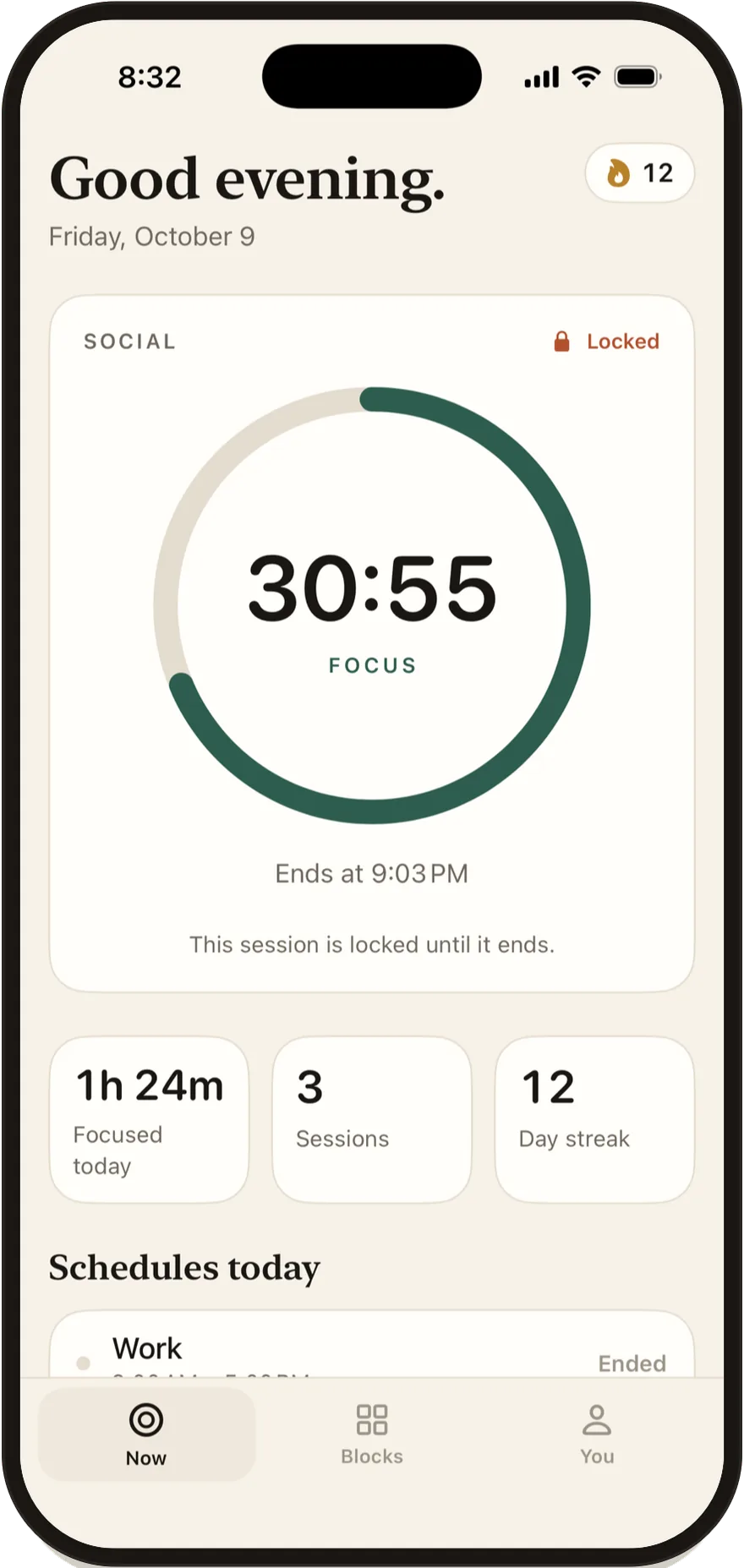
Stillock on iPhone: a focus session with 30 minutes left, the social apps locked.

What Stillock does

Decide once. Stay off it.

Every block in Stillock is something you set up in a calm moment, so the busy moments take care of themselves.

Stillock Now screen with a running focus timer.

Block what pulls you away

Pick the apps. They stay blocked until the timer ends.

  • Groups for games, news, social or anything you choose
  • Presets from 15 to 90 minutes, or your own length
  • The countdown lives on your Lock Screen and in the Dynamic Island
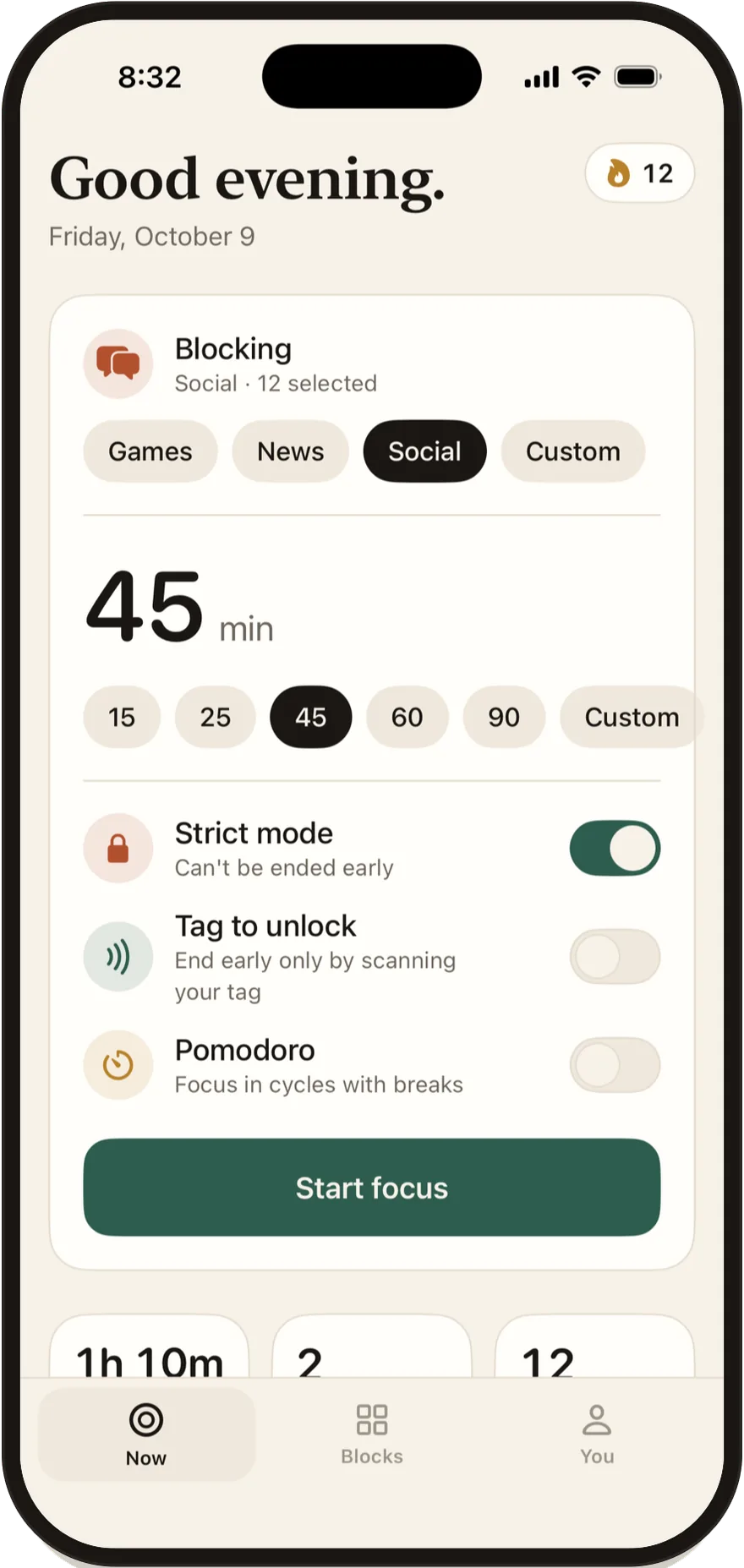
Stillock start screen with strict mode, Tag to unlock and Pomodoro switches.

Set your own rules

With strict mode on, there's no ending early.

  • Strict mode: the session can't be ended early
  • Tag to unlock: end early only by scanning your NFC tag
  • Pomodoro: focus in cycles with breaks
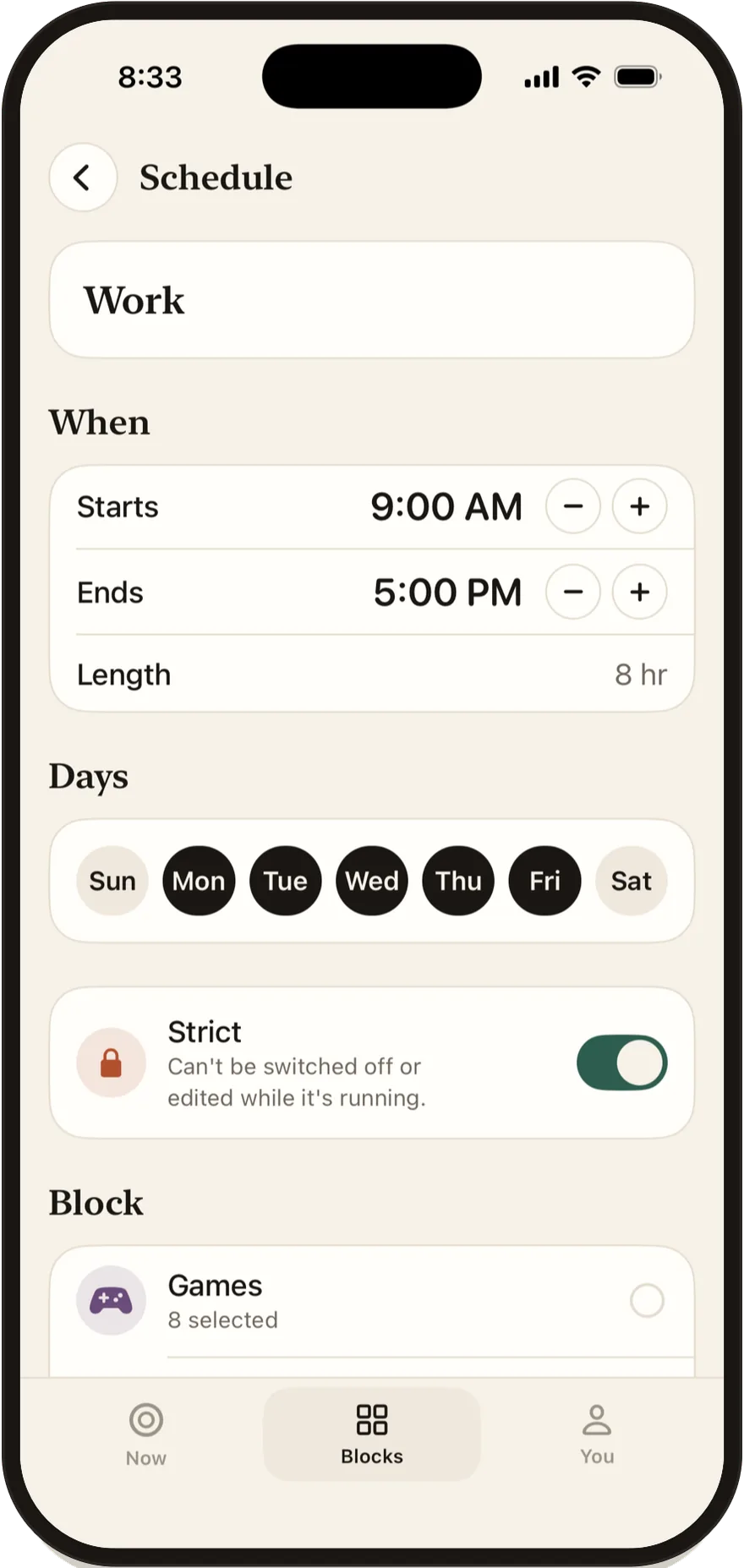
Stillock schedule editor with start and end times and days of the week.

Put blocking on autopilot

Set the hours once. It starts on its own every day.

  • Work hours, bedtime, study time
  • Choose the days of the week
  • Strict schedules can't be switched off while they're running
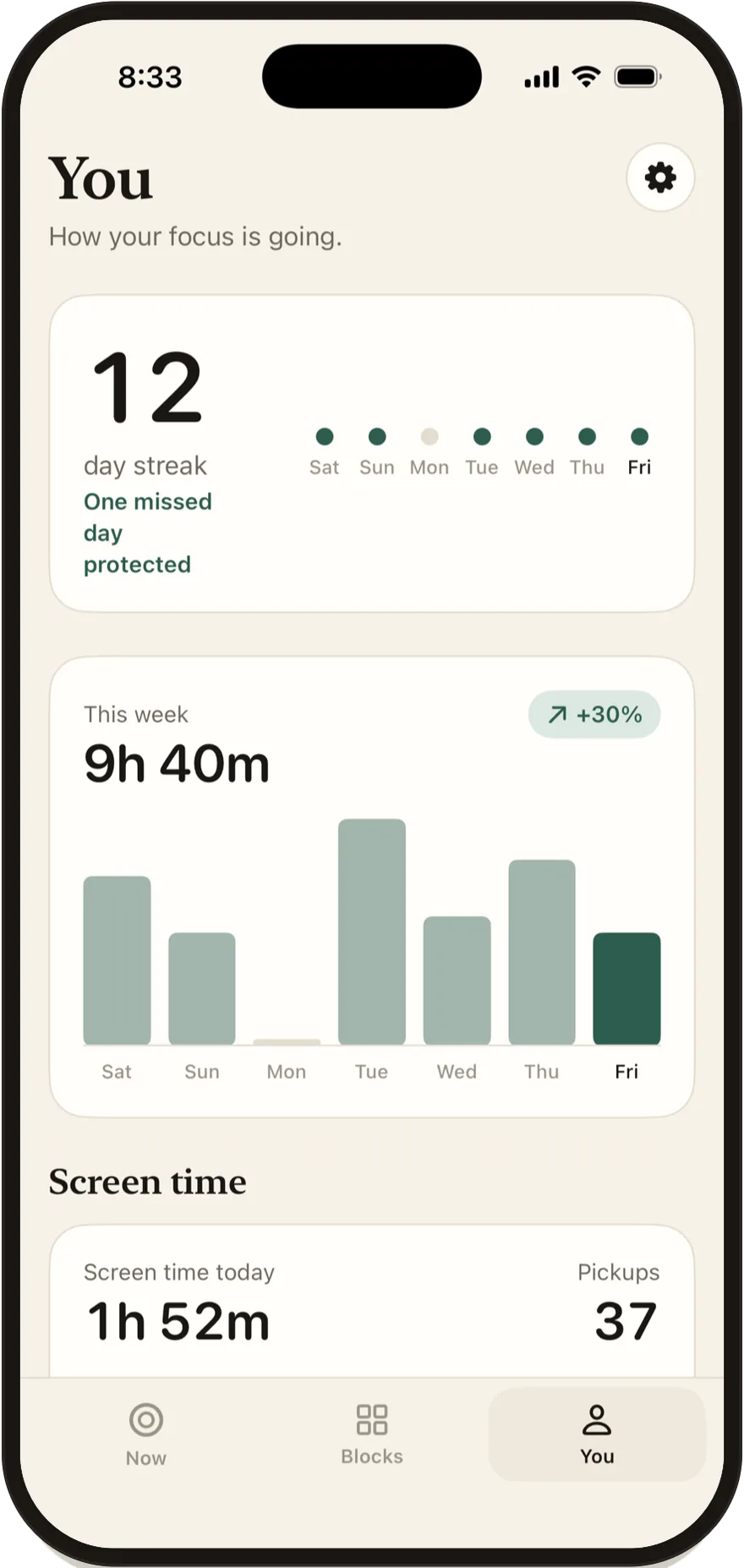
Stillock You screen with a 12-day streak and a weekly focus chart.

Watch your focus add up

Your streak, your week, one missed day protected.

  • A streak that forgives one missed day
  • Weekly totals and insights
  • Screen time and pickups, at a glance

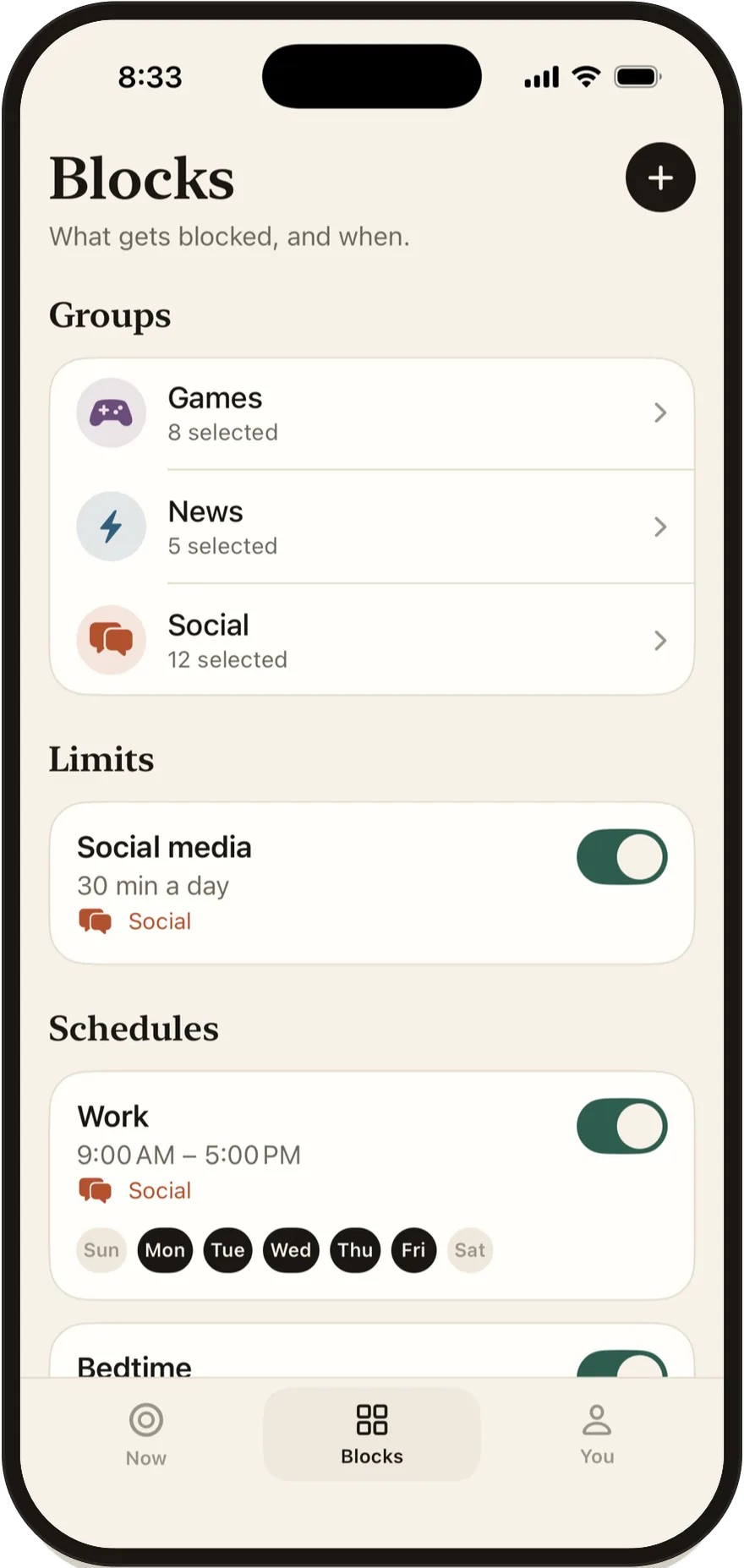
Keep it all in one place

Groups, daily limits and schedules, side by side.

Stillock Blocks screen listing groups, limits and schedules.

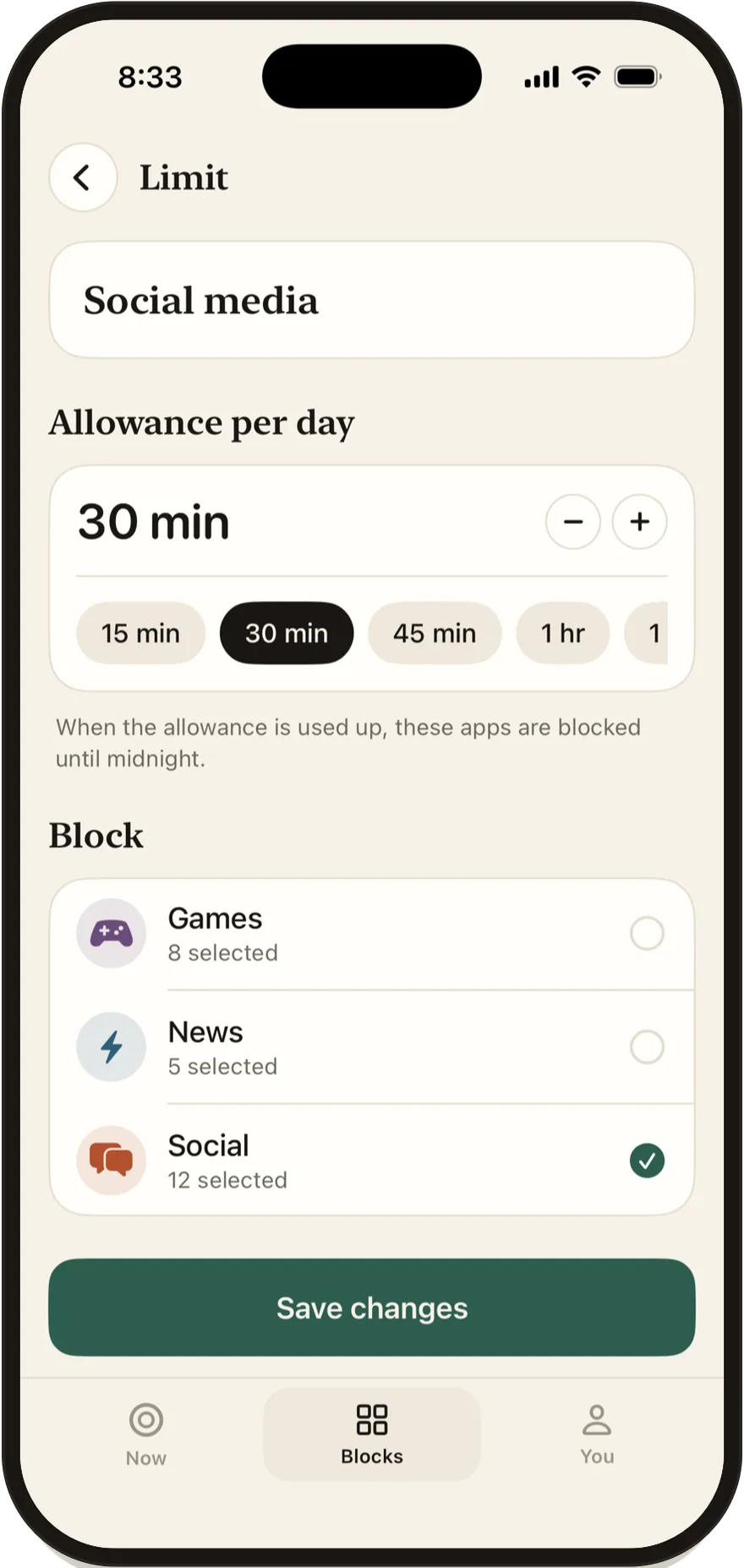
Allow 30 minutes a day

After that, the apps stay blocked until midnight.

Stillock daily limit editor set to 30 minutes.

Finish what you start

Every session you finish counts toward your streak.

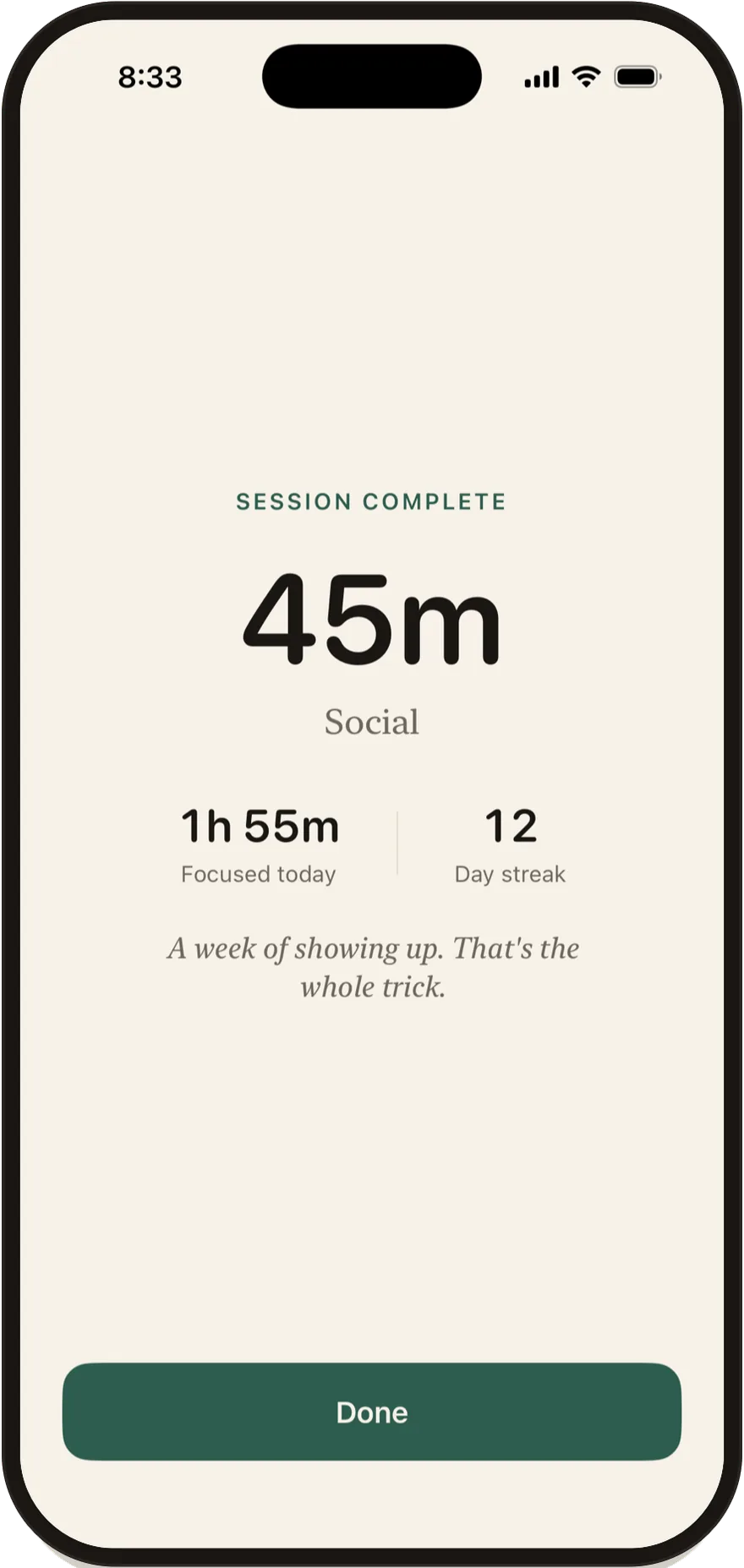
Stillock session complete screen showing a 45-minute session.

iPad

Made for the big screen too

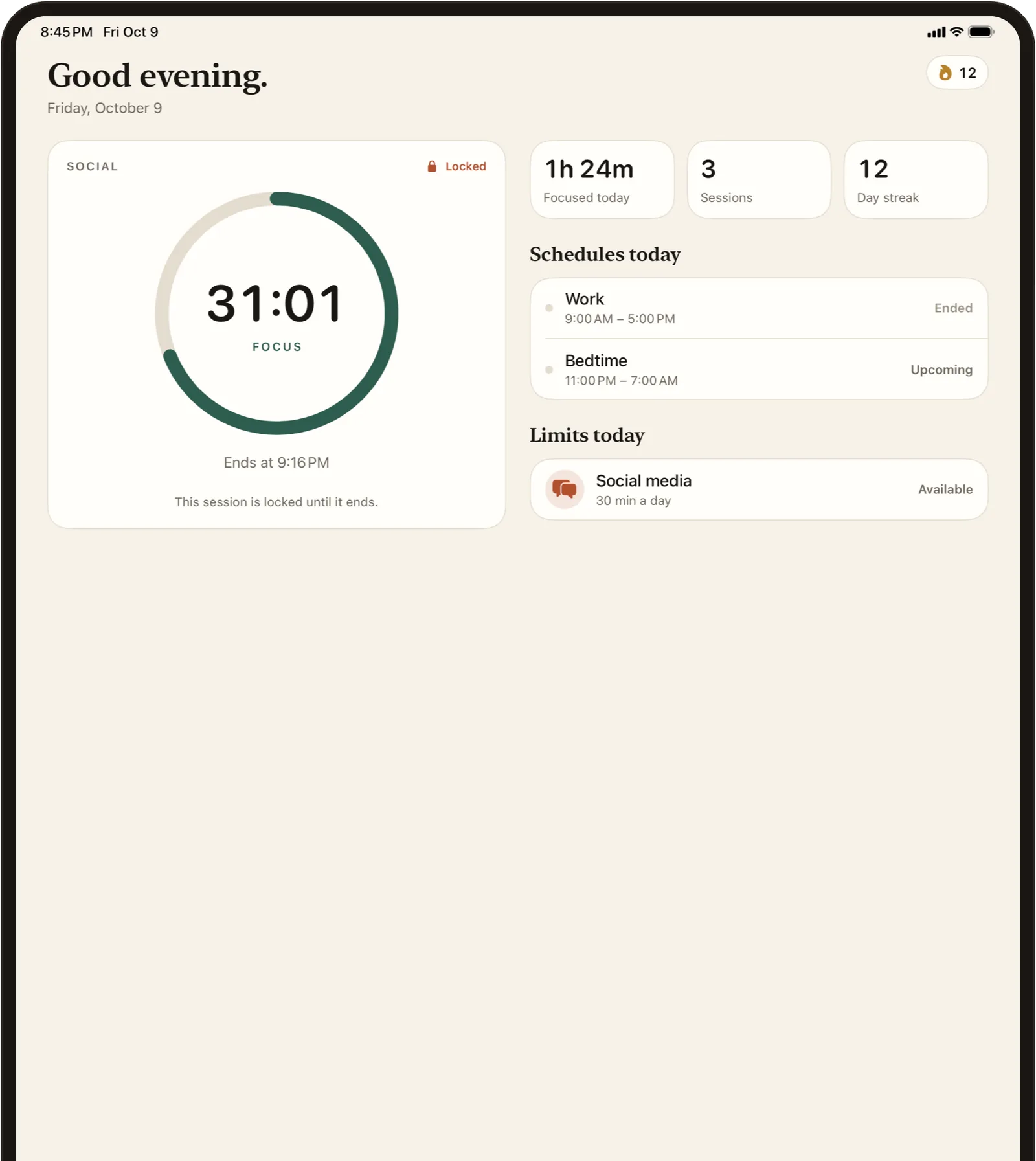
The same sessions, schedules and limits, laid out for iPad. Timer on one side, your day on the other.

Stillock on iPad with the focus timer, today's schedules and limits side by side.

Privacy

Nothing leaves your device.

Stillock has no accounts, servers, analytics, ads or tracking. The app itself makes no network connections.

  • Stored only on your device

    Your groups, schedules, sessions and stats never leave your iPhone or iPad.

  • Blocking is done by iOS

    Stillock uses Apple's Screen Time. It can't see which apps you chose, what you browse or what you write.

  • Payments go through Apple

    Pro is sold on the App Store. We never see your name, email or payment details.

Read the privacy policy

Free and Pro

Start free. Go further with Pro.

Stillock is free to download. Pro unlocks the tools that make it stick.

Free

  • Core app blocking
  • Focus timer with presets
  • One block group

Pro

Most popular
  • More block groups
  • Schedules
  • Daily limits
  • Strict mode
  • Tag to unlock
  • Insights

Billed monthly or yearly through the App Store. Prices are shown in the app. Cancel anytime in your Apple ID settings.

FAQ

Questions

Can I end a strict session early?

No. That's the point of strict mode. The session ends on its own when the time is up. If you want a way out, turn on Tag to unlock and keep your NFC tag somewhere that takes effort to reach.

What happens if I lose my tag?

Every session ends on its own when its time is up, even if you lose your tag. You can also remove all of Stillock's blocks by turning off its Screen Time access in iOS Settings, or by deleting the app.

Does Stillock see which apps I block?

No. iOS hands Stillock the apps you pick as encrypted tokens. The app can show them to you, but neither it nor we can read what they are.

Does Stillock collect any data?

No. There are no accounts, servers, analytics, ads or tracking. Everything stays on your device, and purchases go through Apple.

Which devices does it work on?

Stillock runs on iPhone and iPad. It uses Apple's Screen Time, so it can block the apps, categories and websites that iOS allows to be blocked.

How do I cancel Pro?

Open Settings on your iPhone or iPad, tap your name, then Subscriptions, and choose Stillock. Deleting the app doesn't cancel a subscription. Refunds are handled by Apple.

Ready when you are.

Download Stillock and start your first session in under a minute.

Free on the App Store for iPhone and iPad.

Stillock preview